Phonak Roger™ for Education
Helping Every Student Hear, Engage and Learn
Helping Every Student Hear, Engage and Learn
What is Roger™ Dynamic SoundField?
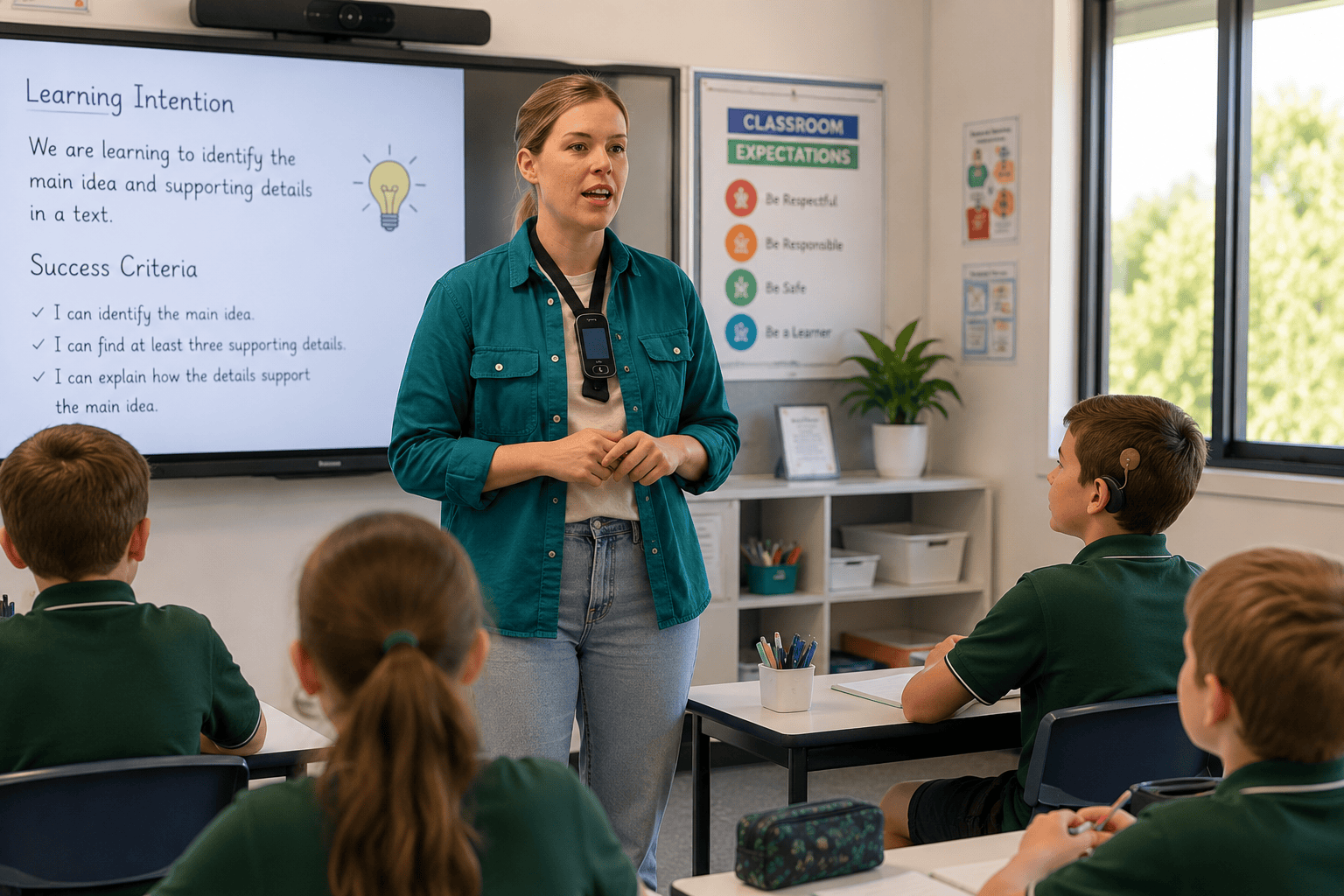
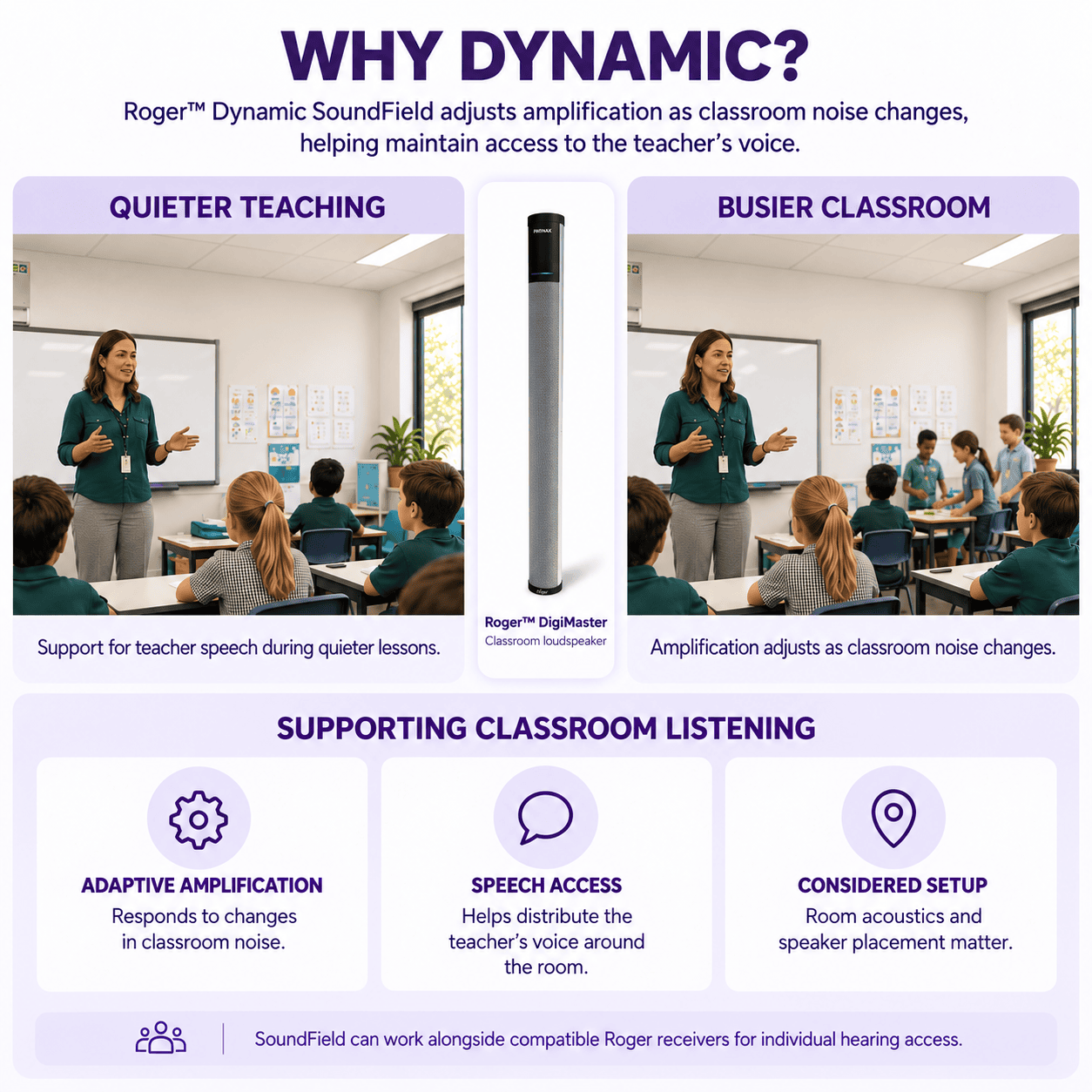
Roger™ Dynamic SoundField uses a Roger microphone and DigiMaster loudspeaker to distribute the teacher’s voice around the classroom. Its amplification adjusts as classroom noise changes, helping maintain access to speech.
Hear Room helps schools select and position equipment to suit their teaching spaces and students’ listening needs.
How It Works
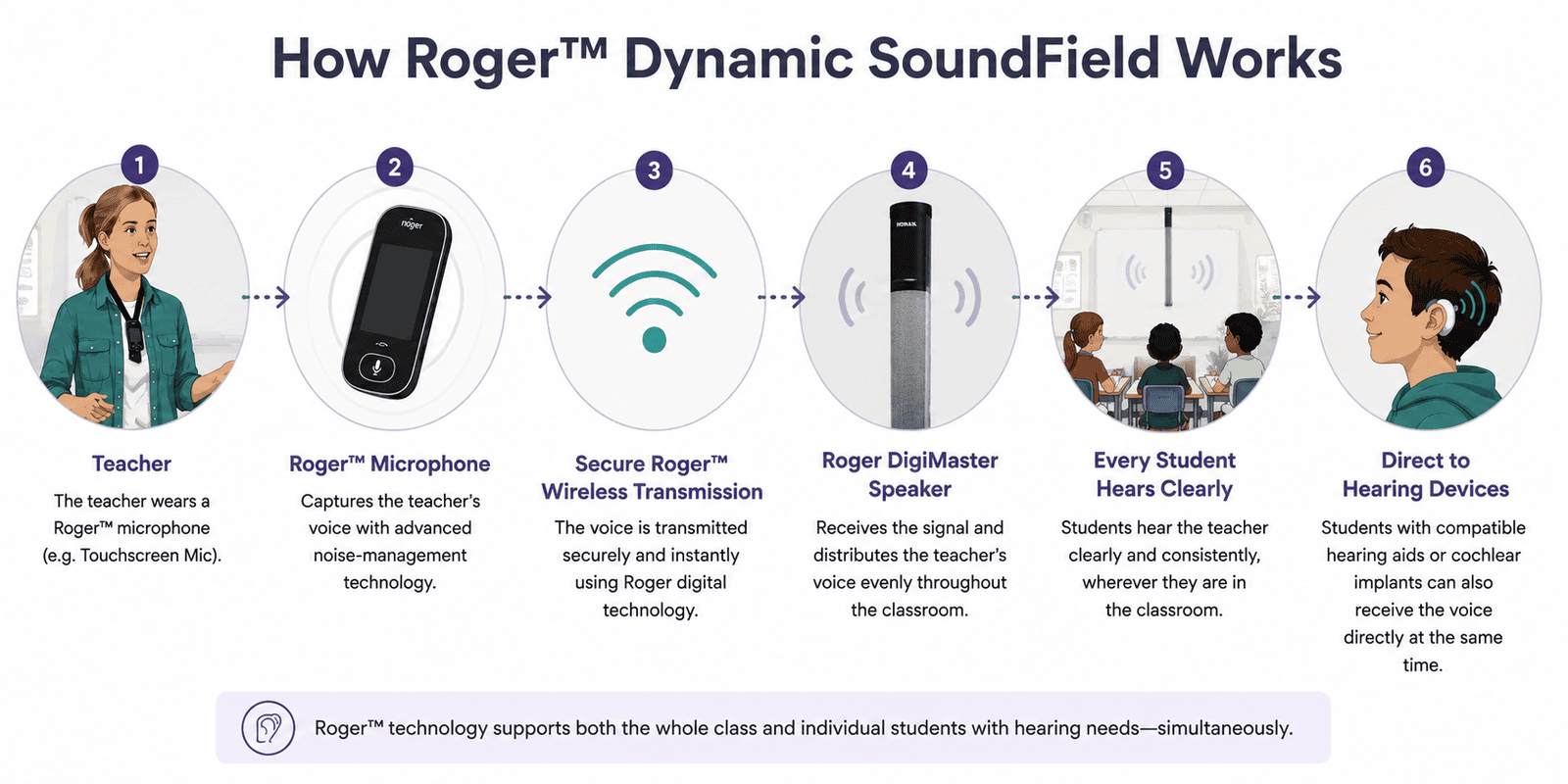
A teacher wears a Roger™ microphone, which captures their voice and transmits it wirelessly to connected Roger devices.
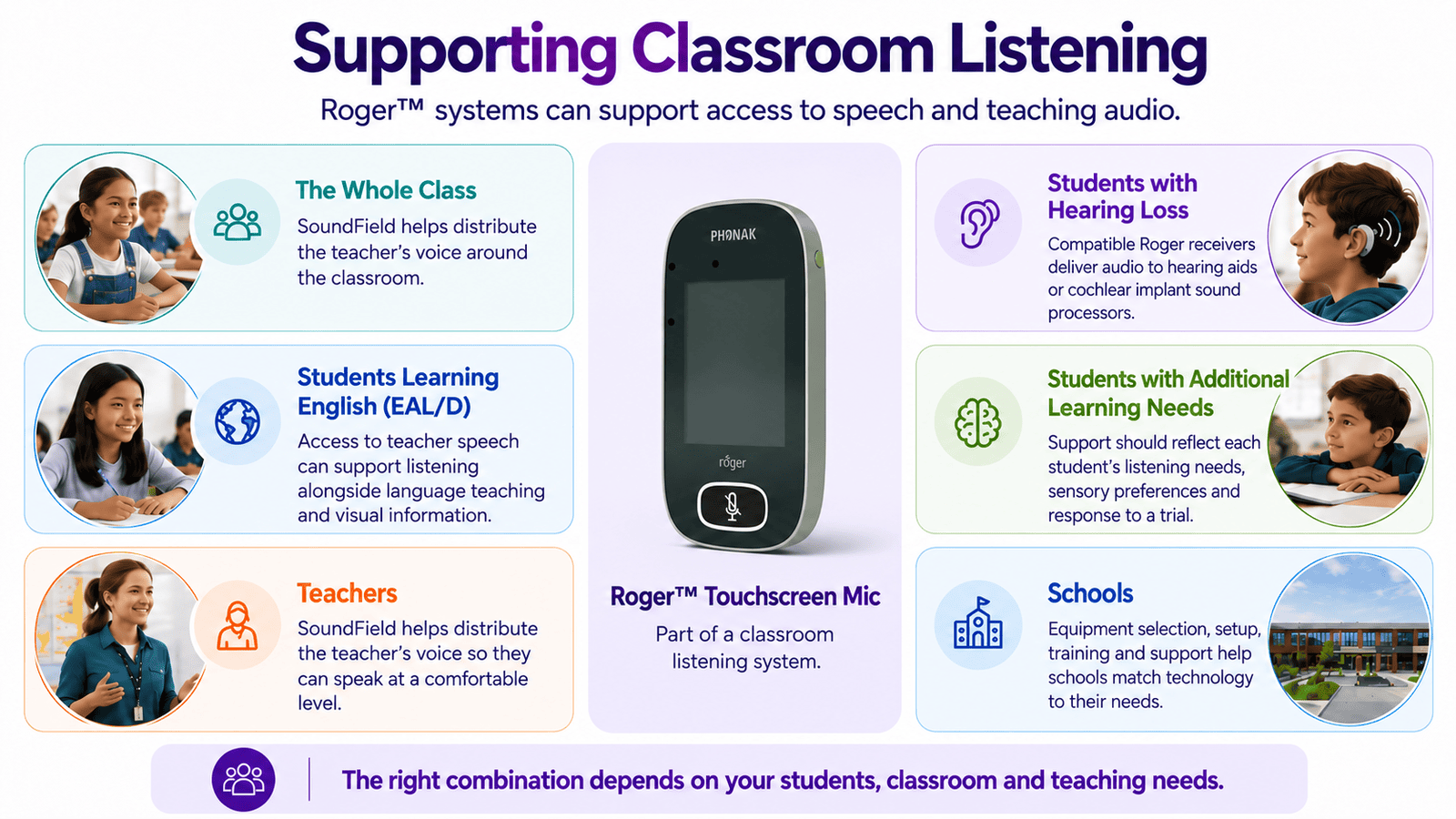
For whole-class listening, a Roger™ DigiMaster loudspeaker distributes the teacher’s voice around the classroom. For individual hearing access, compatible Roger receivers deliver the audio to students’ hearing aids or cochlear implant sound processors. These options can operate together, supporting classroom listening alongside individual hearing needs. Hear Room helps schools select suitable equipment, confirm receiver compatibility and configure the system for their students and teaching environment.
Why Dynamic?
Roger™ Dynamic SoundField automatically adjusts its amplification as classroom noise levels change. This helps maintain access to the teacher’s voice during quieter instruction and busier learning activities.
Teachers can speak at a comfortable level while the system supports more consistent speech audibility across the room.
Appropriate speaker placement, classroom acoustics and everyday noise management also contribute to effective listening. Hear Room helps schools configure the system to suit their teaching spaces and students’ needs.
Key Benefits of Roger™ Classroom Systems
Roger™ classroom systems offer several ways to support access to speech and teaching audio. The right combination depends on your students, classroom and teaching needs.
| Feature | Benefit for your classroom |
| Adaptive SoundField amplification | Automatically adjusts amplification as classroom noise changes, helping maintain access to the teacher’s voice. |
| Whole-class listening | Roger™ DigiMaster loudspeakers distribute speech around the classroom. |
| Individual hearing access | Compatible Roger receivers deliver audio to students’ hearing aids or cochlear implant sound processors. |
| Support for classroom discussions | Student microphones, such as Roger™ Pass-around, help students access their classmates’ contributions. |
| Classroom multimedia | Suitable connections and accessories allow teaching-media audio to be shared through the Roger system. |
Who Benefits from Roger™?
Roger™ for Education Products
Build a classroom system around teacher speech, student participation and teaching audio. Hear Room helps schools select compatible Roger components and plan how they will work together.
Roger™ Touchscreen Mic 3
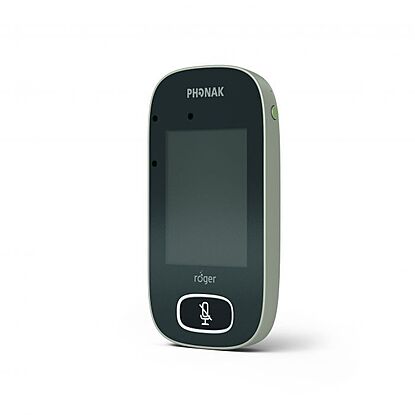
A teacher microphone that transmits speech to Roger™ DigiMaster loudspeakers and compatible Roger receivers. It supports teacher-led instruction and small-group listening, with automatic microphone-mode changes.
Roger Touchscreen Mic 3 also includes unlimited RogerDirect™ receiver licences for installation into compatible hearing aids.
Roger™ DigiMaster Speaker
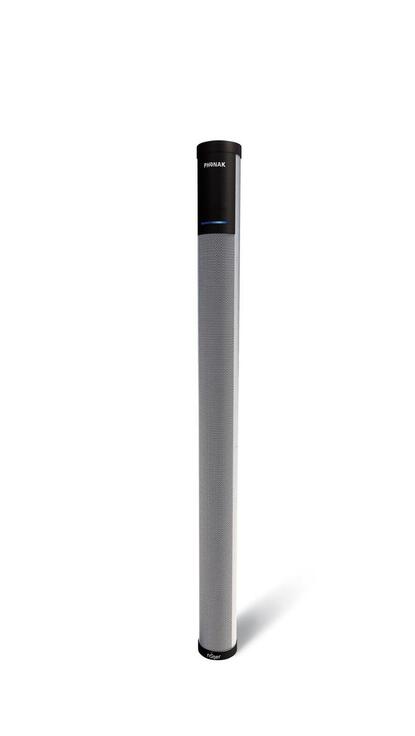
Roger™ DigiMaster 5000 is designed for typical classrooms. DigiMaster 7000 supports larger teaching spaces and can be used as a pair to extend coverage.
Hear Room considers room size, layout and acoustics when recommending loudspeaker models and placement.
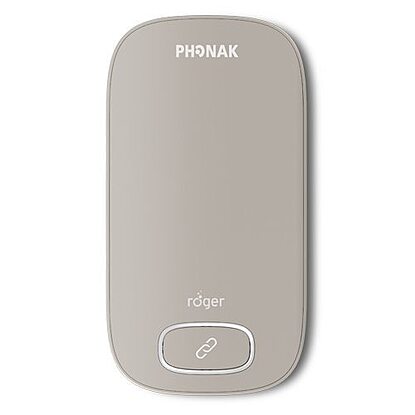
Roger™ Multimedia Hub
Brings audio from suitable classroom media sources into the Roger network. In mixing mode, it allows media audio and the teacher’s microphone to be heard together, supporting videos, presentations and other teaching materials.
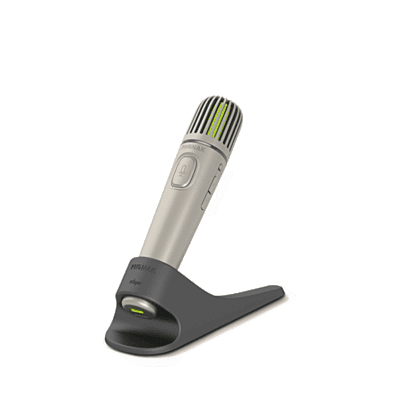
Roger™ Pass-around Mic
A student microphone for classroom discussions and participation. It brings classmates’ contributions into the connected Roger system, helping students follow more of the conversation.
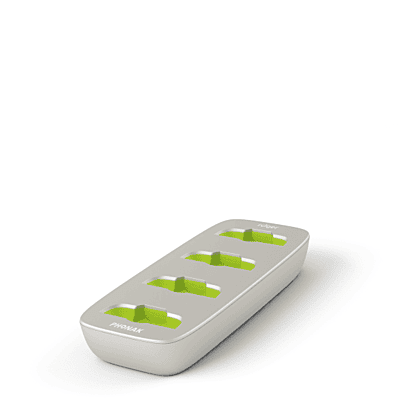
Roger ™ Charging Rack
A shared charging solution for up to four compatible Roger classroom devices. It provides a convenient place to recharge equipment between lessons or overnight, supporting an organised daily charging routine.
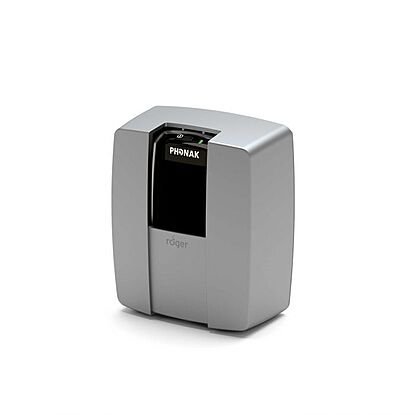
Roger™ WallPilot
A wall-mounted device that helps compatible Roger receivers and classroom microphones join the room’s Roger network. It simplifies connection tasks when students and equipment move between classrooms fitted with Roger systems.
Roger™ Classroom Packages
Roger™ Software Updates & Support
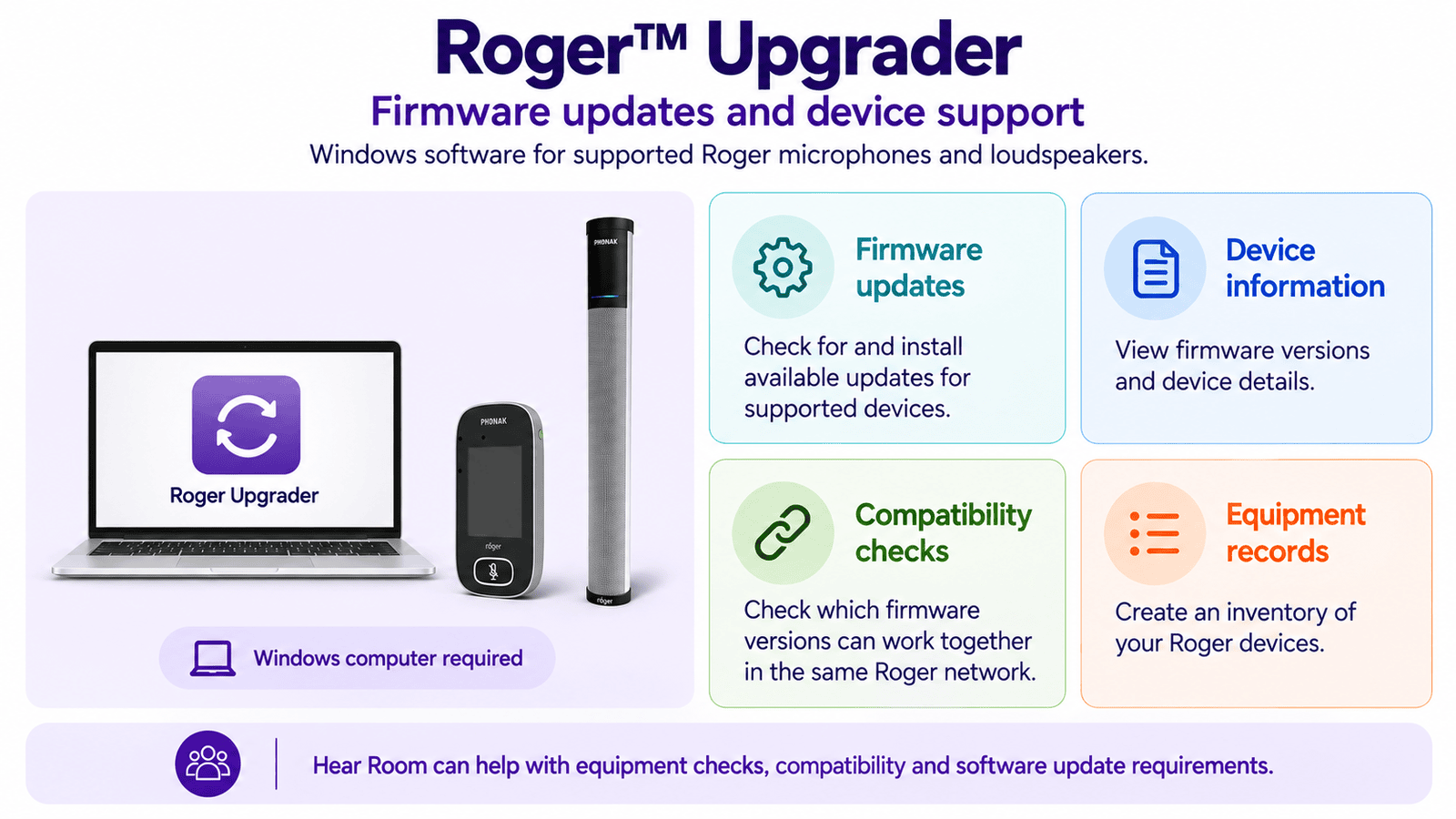
Roger Upgrader is Phonak’s Windows software for checking and updating firmware on supported Roger devices, including classroom microphones and DigiMaster loudspeakers.
It also provides device information and tools for checking whether firmware versions can work together within the same Roger network.
Hear Room helps schools with equipment checks, troubleshooting and software update requirements. Whether you need help identifying your equipment, checking compatibility or supporting staff with everyday use, we can help you determine the next step.